
Brand Centre
Everything you need to represent Weygi consistently. Logos, colours, typography, and usage guidelines.
Logo
Our logo combines the Weygi octopus icon with the wordmark. Always maintain clear space around the logo.
Light background
 Weygi
WeygiDark background
Weygi
Colour Palette
Our brand colours are designed for clarity, trust, and energy.
Weygi Teal
#00CCBCPrimary brand colour — CTAs, active states, highlights
Weygi Orange
#FF6B00Accent colour — speed, delivery, energy accents
Dark Navy
#101828Backgrounds, headers, footers
Charcoal
#1A1A2EBody text, headings
Light Grey
#F9FAFBBackgrounds, cards, subtle sections
White
#FFFFFFCard backgrounds, clean sections
Muted Grey
#6B7280Secondary text, descriptions
Social Media Kit
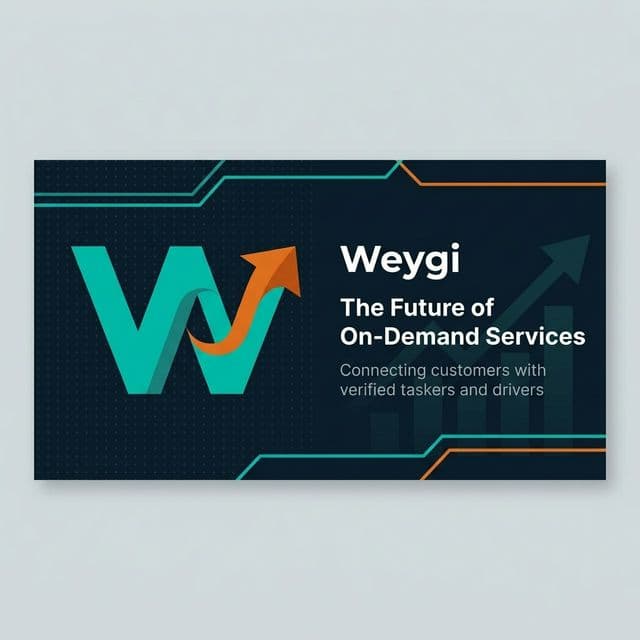
Official Weygi profile pictures, post templates, and cover photos for all social platforms.
Facebook Cover Photo


Profile Pictures



Post Templates




Typography
We use DM Sans for all UI text and Fraunces for editorial/display content.
Primary — DM Sans
Aa Bb Cc
The quick brown fox jumps over the lazy dog.
Used for: headings, body text, buttons, labels
Display — Fraunces
Aa Bb Cc
The quick brown fox jumps over the lazy dog.
Used for: hero headlines, editorial content
Usage Guidelines
Do
- • Use the logo with sufficient clear space
- • Maintain the teal + dark navy colour pairing
- • Use DM Sans for all marketing materials
- • Keep the octopus icon in the dark rounded container
- • Use the dark version on light backgrounds and vice versa
✕ Don't
- • Alter the logo colours or proportions
- • Place the logo on busy backgrounds
- • Use the logo at sizes smaller than 24px height
- • Add effects like shadows or gradients to the logo
- • Rotate, distort, or rearrange logo elements
Need More?
For press enquiries, partnership branding, or custom assets, contact our brand team.